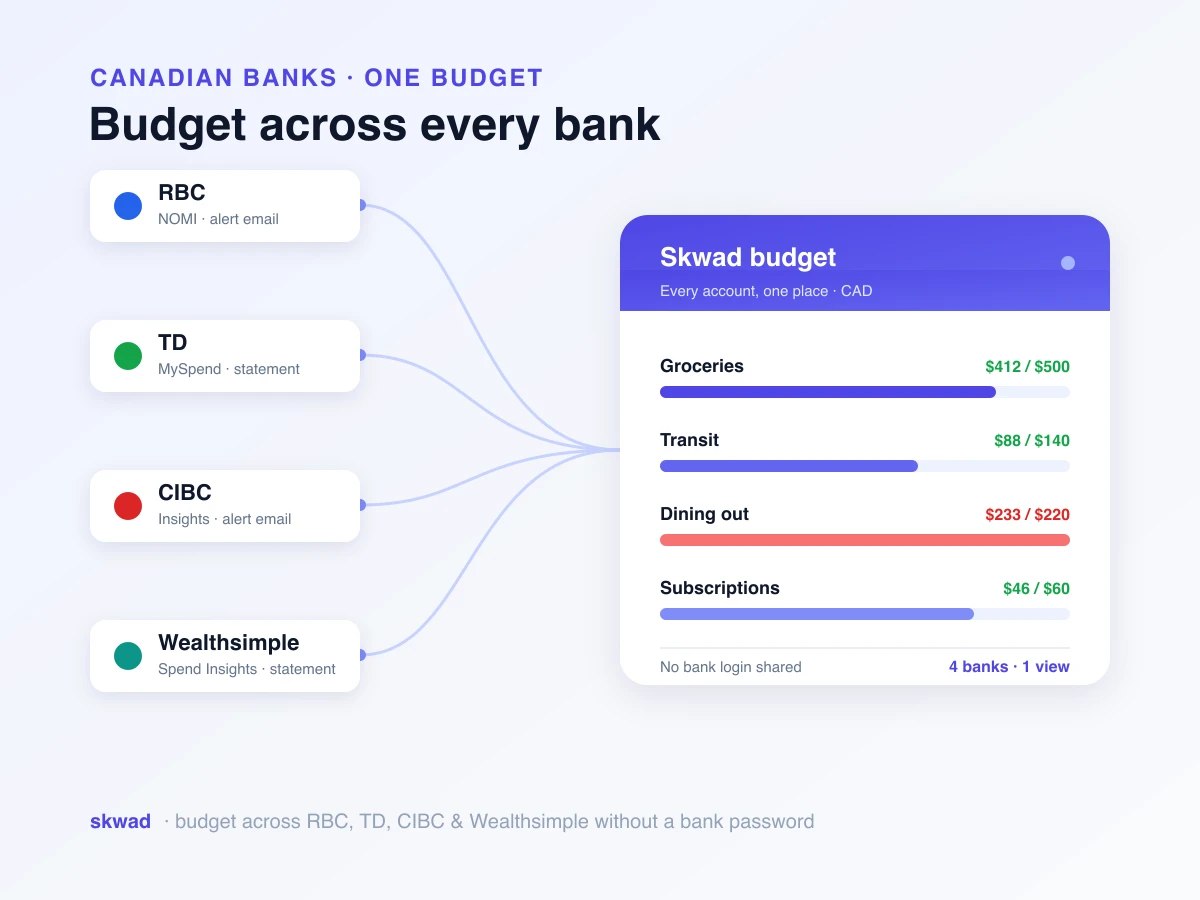
To link your bank account with Plaid, open Settings → Integrations → Plaid in Skwad, click Connect, find your bank, and sign in through Plaid’s secure window. Plaid comes with the LINK plan and connects 12,000+ banks and credit unions. Skwad never stores your bank password.
We built Skwad on a simple premise: you shouldn’t have to share your bank password to manage your money. Our email scanning approach pioneered a way to do that, and thousands of users have embraced it. We added Plaid because many of you also wanted automatic bank syncing, done securely and done right.
Why Plaid?
We tried a handful of data aggregators before settling on one. Plaid won on two counts.
Coverage: over 12,000 financial institutions across North America, which takes in nearly any bank or credit union you’re likely to use. Every bank runs its own system with its own quirks, and keeping thousands of those pipes open is Plaid’s problem, not yours.
Trust: plenty of finance apps you may already use are built on Plaid, and it publishes its security infrastructure, compliance certifications, and data protection measures.
We also know bank linking isn’t for everyone. Some people want the privacy of email alerts. Some have a bank agreement that bans sharing credentials. Every syncing method in Skwad stays, so you pick the one that suits you.
What Plaid integration means for you
If you upload bank statements by hand today, this is the change you’ll feel most.
Automatic transaction syncing
Connect an account once. After that, new transactions land in Skwad on their own, usually within hours of hitting your bank. Nothing to download, no email alert to wait for, nothing to type.
The payoff grows with every account. Two banks and three credit cards used to mean five statements each month. Now it’s five connections set up once, and Skwad pulls them into one place.
Balance updates
Plaid sends balances too. Your Skwad dashboard shows what’s sitting in each connected account, so you know where you stand before you tap your card.
Those balances feed Skwad’s net worth tracking, a running chart of your total. Seeing it creep up month after month is one of the most motivating parts of tracking your money.
Historical data import
On first connect, Plaid usually pulls 3 to 6 months of past transactions (how much depends on your bank). You don’t start from zero: budgets and spending patterns can use real history on day one.
If you’re moving over from another app, that history makes the switch easier. Your cashflow reports and trends have something to show right away.
How Skwad handles bank connections
Plaid follows the same rules as the rest of Skwad: privacy first, and a setup that doesn’t eat your evening.
Connecting your first account
Five steps, a few minutes:
- Open Settings → Integrations → Plaid in Skwad
- Click Connect
- Search for your bank or credit union
- Sign in the way your bank asks you to
- Tick the accounts you want in Skwad
Plaid runs the sign-in, which usually means logging into your bank’s own secure portal. Some banks use OAuth: you sign in with the bank itself, and Plaid never sees your credentials. Others ask for your username and password inside Plaid’s secure window.
Multi-factor authentication support
Plenty of banks want more than a password. A code by text. A security question. An authenticator app.
Plaid deals with every one of them. If your bank wants a second step, Plaid prompts you for it, and the account keeps that extra lock while still syncing on its own.
Managing connected accounts
Pick what Skwad sees. Maybe that’s checking and the Visa, but not savings. Maybe the business account stays out of the household budget. Up to you.
Unlinking works any time. New data from that account stops, and the transactions already in Skwad stay put for reports until you delete them.
Privacy and security considerations
Linking a bank raises fair security questions. Here’s how the Plaid connection works and what stays in your hands.
How your data flows
Here’s the path your data takes once you click Connect:
- You sign in to your bank inside Plaid’s secure window
- Plaid opens a connection to your bank’s data feed
- Plaid passes transactions and balances to Skwad
- Skwad keeps them in your encrypted account
Your bank password never sits on Skwad’s servers. Plaid keeps credentials on its own infrastructure: encrypted, stored securely, and audited on a regular schedule.
Your rights and controls
You stay in control of your financial data:
- Revoke access anytime: disconnect accounts in Skwad or through Plaid’s portal
- Delete your data: if you leave Skwad, you can ask us to delete all of your financial data
- Granular permissions: choose which accounts to connect; you’re never forced to share everything
We don’t sell your financial data, full stop. Marketers don’t get it either. What you spend is your business, not ours to sell.
When bank linking might not be right for you
Any bank linking, Plaid included, comes with trade-offs. Some bank agreements technically ban sharing credentials with a third party. Banks rarely enforce it, but read your terms if that worries you. Anything that pools financial data is also a potential target: Plaid and Skwad both take security seriously, and still no system is immune to breaches. And some smaller banks or credit unions may not be supported, or may connect unreliably.
If that makes you uneasy, Skwad’s email scanning feature works without sharing credentials. You can also manually import transactions from bank statements and keep full control.
Plaid on Skwad LINK
Plaid comes with the Skwad LINK plan. LINK subscribers get unlimited Plaid connections at no extra cost, however many banks you use.
On the DIY plan and want bank linking without upgrading? SimpleFIN is still available as a separate subscription. It’s powered by MX, covers US and Canadian banks, and is priced differently.
Comparing your options
| Feature | Email Scans | Plaid (LINK) | SimpleFIN |
|---|---|---|---|
| Credentials shared | No | Yes (to Plaid) | Yes (to MX) |
| Setup | One-time forwarding | One-time connection | One-time connection |
| Transaction delay | Minutes (after email) | Hours | Hours |
| Historical data | None | 3 to 6 months | Up to 90 days |
| Institutions | Any with email alerts | 12,000+ | US and Canadian banks |
| Cost | Included in all plans | Included in LINK | Separate subscription |
Each method has its strengths. Plenty of people mix them: Plaid for their main accounts, email scanning for the one bank that won’t connect well.
How we handle connection issues
Bank connections break. Banks change systems, ask you to sign in again, or go dark for an afternoon. Skwad is built to ride that out.
Automatic reconnection
When a connection needs attention, usually a fresh sign-in, Skwad tells you and walks you through reconnecting. Most fixes take one quick login to your bank.
Connection status monitoring
Your account dashboard shows each connected institution’s status. Green means it’s syncing normally. Yellow means it needs attention. You catch the problem before it leaves a gap in your transactions.
Preserving your data
A broken link doesn’t touch the data already in Skwad. We deal with outages at the sync level, never the data level. Fix the connection and syncing resumes, backfilling whatever posted while it was down.
Handling bank-side changes
Plaid users run into one quirk: banks sometimes change transactions after they post. A pending charge comes back under a different merchant name. A transaction vanishes in a bank correction.
Skwad won’t quietly delete a transaction you’ve already categorized and budgeted. It flags the change instead. Transactions your bank removes get the “Deleted by connection” tag, so you can see which changes came from outside and how they affect your trends and budgets.
Getting started with Plaid
The short version, start to finish:
- Upgrade to LINK if you’re not on it yet
- Open Settings → Integrations → Plaid in Skwad
- Click Connect to open Plaid
- Search for your bank and sign in when it asks
- Select accounts to sync
Most banks connect in under two minutes. New transactions start flowing right away. Older history trickles in shortly after.
Tips for a smooth setup
Keep your online banking logins handy for each bank. Start with the busy accounts: a credit card or checking account with lots of activity gets the most out of automatic syncing. After the first sync, spot-check a few transactions, since descriptions can read differently than they do on your bank’s website. It also helps to have your category structure ready before transactions arrive, though Skwad’s auto-categorization sorts most of them for you.
Frequently asked questions
How much does Plaid integration cost in Skwad?
Nothing extra on LINK. Plaid is included with the Skwad LINK plan, with unlimited connections. On the DIY plan, you can get bank linking without upgrading through SimpleFIN, which is a separate subscription.
Does Skwad store my bank password?
No. Skwad never stores your bank password. You sign in through Plaid’s secure interface, and many banks support OAuth, so you log in with the bank directly and never share credentials with Plaid at all.
How much transaction history can Plaid import?
Usually 3 to 6 months when you first connect an account, though it varies by bank. Your reports and budgets have real data from day one instead of starting empty.
What if my bank isn’t supported or I don’t want to link it?
Plaid covers most major banks, but some smaller banks and credit unions may not connect reliably. If linking isn’t for you, Skwad’s email scanning works without sharing credentials, and you can import transactions manually from bank statements.
Connect your accounts
Email scanning if privacy comes first. Bank linking if you want it hands-off. Manual imports if you like full control. Skwad works with all of them. If you’ve been waiting for bank linking, it’s here: connect your accounts and let the transactions sync themselves.