

To set up a zero-based budget in Skwad, enter your monthly income, create an envelope for each spending category, and assign income to envelopes until nothing is left to assign. Skwad then sorts incoming transactions into those envelopes, so each one shows what’s left as you spend. The steps are below, followed by how to run the 50/30/20 rule with the same envelopes.
Zero-based budgeting with Skwad
Zero-based budgeting means allocating every dollar of your income to a specific purpose (a bill, savings, a debt payment). Bring home $4,200 and all $4,200 gets assigned. The amount left to assign ends the month at $0.
The method works. The upkeep is the problem: every coffee and every transfer has to land on the right line before the totals mean anything, and by hand that gets old fast. We built Skwad to do that part.
Automated transaction categorization
Sorting transactions is the tedious bit. Skwad files each spend and deposit notification under its category as it arrives. You see where the money went. Nobody types amounts into a spreadsheet.
Custom categories
Your categories should match your actual bills. Make one for the dentist appointment in March and another for a travel fund you top up monthly. Skwad lets you build them around how you spend, then allocate however your budget works.
Set up a zero-based budget in Skwad
Here’s the setup, start to finish, using Skwad’s envelope budgeting:
- Start with your income: Enter your total monthly income.
- Create envelopes: One digital envelope per spending category. Rent, groceries, utilities, a night out.
- Allocate funds: Keep assigning income until the balance reads zero.
- Prioritize expenses: Essentials first. Then whatever’s left.
- Track spending: Transactions land in their envelopes in real time, and you watch the balances move.
- Adjust as needed: A surprise vet bill comes out of another envelope.
- Review and refine: The monthly budget review at month’s end shows how each envelope did. Tune next month’s allocations from there.
Since every envelope carries its own balance, money you haven’t assigned stands out.
Flexible budget adjustments
Plans change. The car needs tires, or a wedding lands in a month you’d kept lean. In Skwad you change an allocation, add a category, or update your income, and the budget follows the new numbers.
Enhanced financial privacy
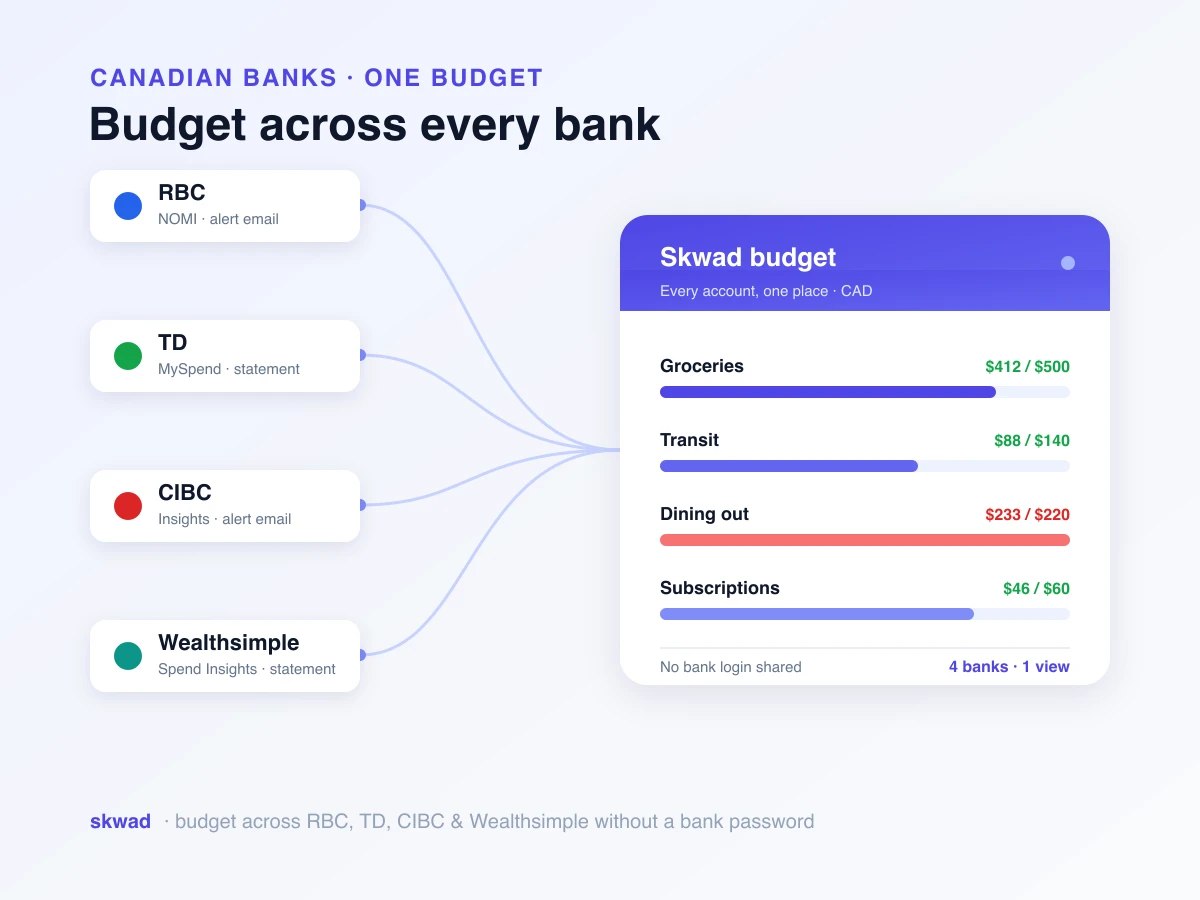
Skwad doesn’t need your bank login. It reads the spend and deposit notifications your bank already sends, so your credentials stay with you and you decide what data comes in. Here’s a closer look at spend tracking without bank linking.
50/30/20 rule with Skwad
The 50/30/20 rule fits envelopes well. Elizabeth Warren and Amelia Warren Tyagi popularized it in their 2005 book All Your Worth: 50% of after-tax income goes to needs, 30% to wants, and 20% to savings and debt repayment. In Skwad, that’s three main envelopes.
Needs take half your income. Give that envelope sub-envelopes for rent, utilities, groceries and insurance. Wants get 30%, covering dining out, hobbies, concerts and the shopping you could skip. The last 20% is savings and debt: an emergency fund, retirement contributions, and payments above the minimum.
Real-time tracking shows how close you’re running to those percentages. Overspend on wants for a couple of months and it’s right there on the envelope. Resize it, or split out a new category. The 50/30/20 rule is a general guideline rather than a strict rule, and your circumstances may need some tweaking. In Skwad, that tweaking takes a minute, which is what makes the rule possible to keep.
For more flexibility, our flexible envelope budgeting in Budgeting V2 adds rollover categories and per-category allocation frequencies. Once your budget is running, Skwad rules and automations keep your categories clean without manual work.
Frequently asked questions
Do I have to connect my bank account to budget with Skwad?
No. Skwad reads the spend and deposit notifications you already get, so you can run a full budget without sharing bank credentials. Plaid is there if you’d rather connect directly.
Can I use Skwad for zero-based budgeting?
Yes, that’s what the envelopes are for. Enter your income, add one per category, and allocate until the balance hits zero. After that, each purchase lands in its envelope as it happens.
What if an unexpected expense throws off my budget?
Cover it from another envelope. You can shift funds, add a category or change your income at any point, and Skwad keeps the budget current with where you actually stand.