Apple Card doesn’t sync with most budgeting apps, which leaves a lot of people reconciling their spending by hand. Skwad tracks it automatically instead, and without a bank connection.
Skwad is a finance tracking app that doesn’t require bank linking. We turn your Apple Card purchase notifications into categorized transactions, so your spending stays organized and your bank login stays private.
How to track Apple Card purchases without bank linking
Here’s how it works for Apple Card on iOS. Point your Apple Card notifications at Skwad, and we import and categorize each payment for you. No more reconciling those missing “wallet” transactions by hand.
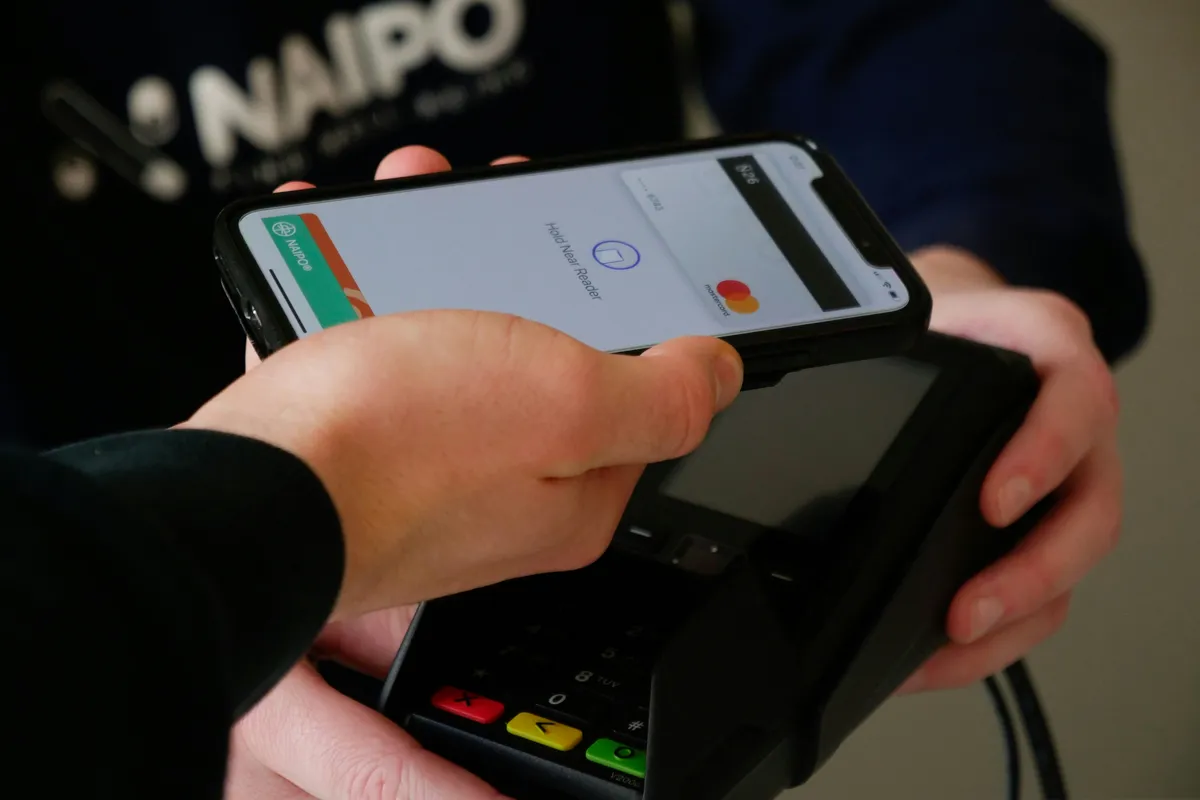
You can either add your Skwad Scan email address for notifications or set up auto-forwarding rules from your primary email to Skwad for all purchases. Prefer to do it from your home screen? You can also create transactions with iOS Shortcuts on an Apple Wallet card tap.
That’s it. From that point onwards, each Apple Card purchase is securely detected and logged as a transaction in the Skwad app, with the merchant, amount, and date.
How Skwad categorizes your purchases
Skwad categorizes these payments based on merchant category information. For example, Starbucks lands under “Food & Dining,” while Uber falls into “Transportation.” You also have the flexibility to create custom categories to add context around your spending habits.
With Apple Card activity flowing in, Skwad gives you a full view of your income and spending: no missing pieces or fragmented data to muddy your financial picture. Review and analyze your spending directly in the app, or export your transactions to your preferred tools. If you have older purchases to bring in, here’s how to import old transactions.
Frequently asked questions
Does Skwad connect directly to Apple Card?
No. Skwad tracks Apple Card without bank linking. You forward your Apple Card purchase notifications to your Skwad Scan email address, or set up auto-forwarding from your primary email, and Skwad logs each one as a transaction.
How does Skwad categorize Apple Card purchases?
Skwad categorizes payments based on merchant category information — Starbucks lands under Food & Dining, Uber under Transportation. You can also create custom categories for your own spending habits.
Is my financial data private if I track Apple Card this way?
Yes. Because the process uses forwarded notifications rather than a bank login, your banking credentials are never shared with Skwad.
Your Apple Card spending doesn’t have to live in a silo. Forward those notifications to Skwad, and every tap shows up where the rest of your money already lives.