
Logging every purchase and paycheck by hand is the chore that kills most budgets. You start strong, then a busy week hits and the tracking falls behind. Skwad Scan fixes that by turning the transaction emails your accounts already send into categorized transactions, automatically. If you’re tired of tracking your income and expenses manually, it might change how you think about money management.
The idea behind Skwad Scan is simple: connect your income sources and payment accounts to your unique @scan.skwad.app email addresses to receive notifications. Our AI parsing engine then reads those emails and pulls out the merchant, amount, date, and payment method. Your finances are categorized without any effort on your part.
Here’s a quick step-by-step on using Skwad’s Scan Email:
Sign up for a Skwad account
Create your Skwad account. You’ll automatically receive a unique Skwad Scan email address like [email protected].
Update notification preferences
Go into each income source or payment account and update the notification email to your email address. You can do this for your banks, credit card providers, and other accounts. Alternatively, you can set forwarding rules from your primary email address to your Skwad scan email — we have step-by-step guides for Gmail, iCloud Mail, and Proton Mail.
Skwad parses notifications
From now on, payment confirmations and income notifications will be automatically forwarded to your Skwad Scan inboxes. Skwad’s AI will parse these emails and convert them into categorized transactions in your finance feed.
That’s it! You instantly have a unified view of your entire financial journey without doing any of the heavy lifting.
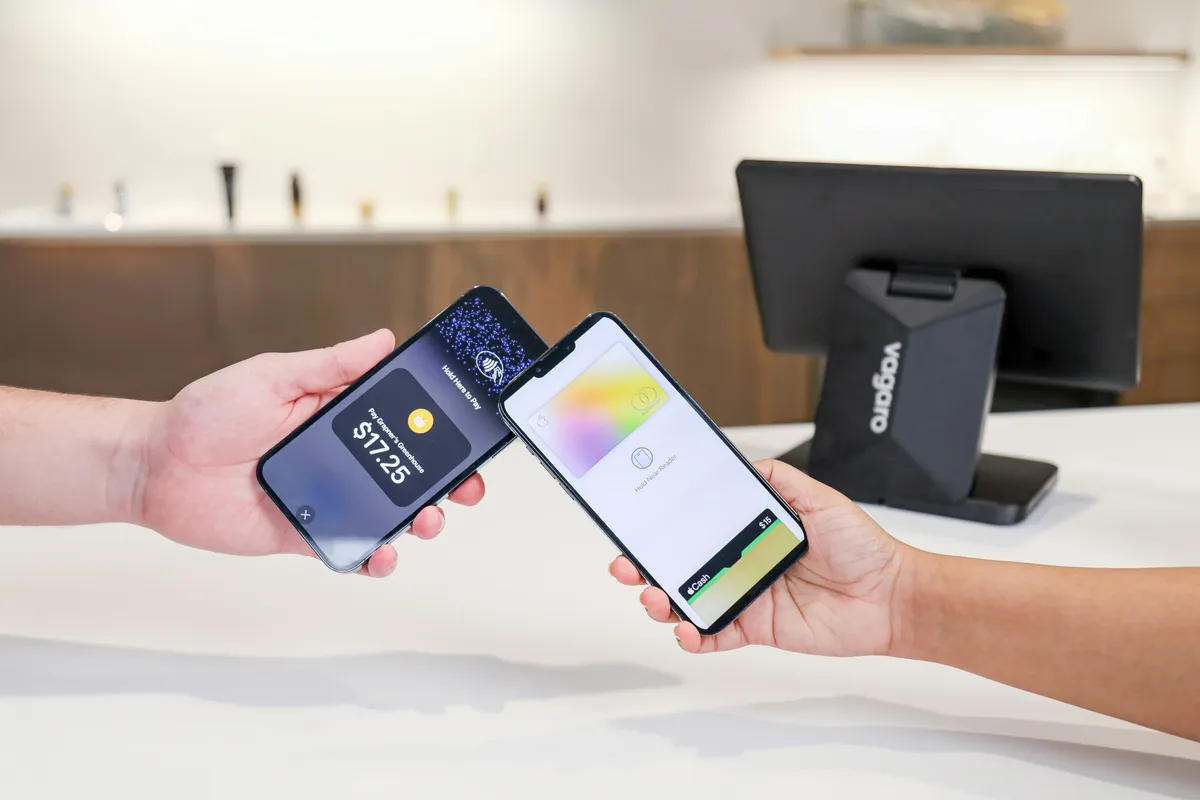
Skwad Scan supports any email format as long as it contains a merchant name and amount. It also works with payment methods such as mobile wallets, credit/debit cards, peer transfers, bank alerts, and more.
The beauty is that you get effortless transaction tracking while keeping complete privacy over your financial accounts and identity. No credentials or bank linking required, just your Skwad Scan inboxes doing the work behind the scenes.
With automatic email parsing, the fragmented bank data and missing transactions sort themselves out. Connect your inboxes and let us keep the picture current.
Frequently asked questions
What email formats does Skwad Scan support?
Skwad Scan supports any email format as long as it contains a merchant name and an amount. It works with mobile wallets, credit and debit cards, peer transfers, and bank alerts.
Do I have to link my bank account?
No. Skwad Scan works entirely through email, so no credentials or bank linking are required. You keep complete privacy over your financial accounts and identity.
Should I update my notification emails or set up forwarding?
Either works. You can change the notification email on each account to your Skwad Scan address, or leave them as is and set forwarding rules from your main inbox. Forwarding is handy when an account won’t let you change the notification address.