50/30/20
The 50/30/20 rule splits your after-tax income into 50% for needs, 30% for wants and 20% for savings. With 50/30/20 switched on, Sight compares your actual split with the rule and scores how close you are.
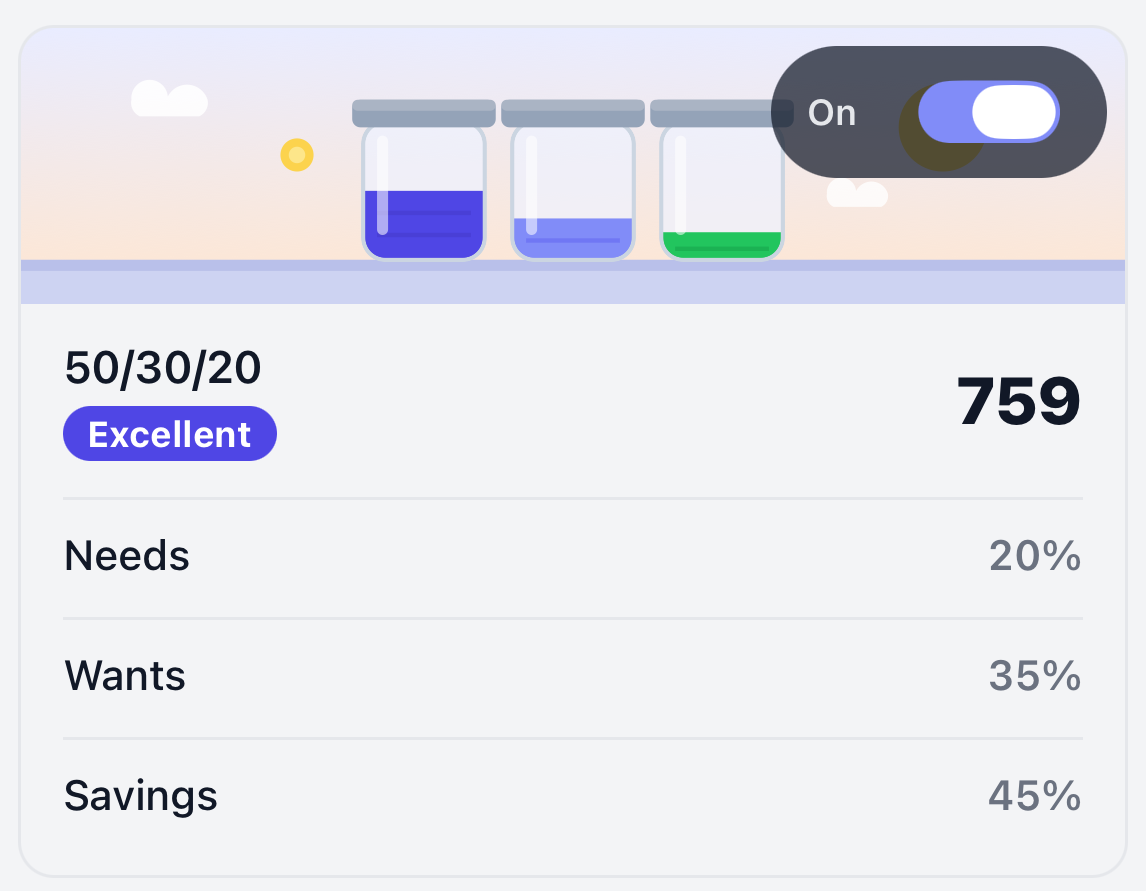
The card shows the share of your income that went to Needs, Wants and Savings. Click or tap it to see your split over time.
Turn it on
50/30/20 is off by default. Switch it on from its card under Frameworks on the Sight page. Once on, it counts toward your overall score. See Turn a framework on or off.
Needs and wants
Each expense category is either a Need or a Want.
- Needs are essentials, like rent or mortgage, utilities, groceries, insurance and getting to work.
- Wants are everything else, like eating out, entertainment, subscriptions and shopping.
Every category starts with a default, and you can change any of them. Spending without a category counts as a want until you categorize it.
Change whether a category is a need or a want
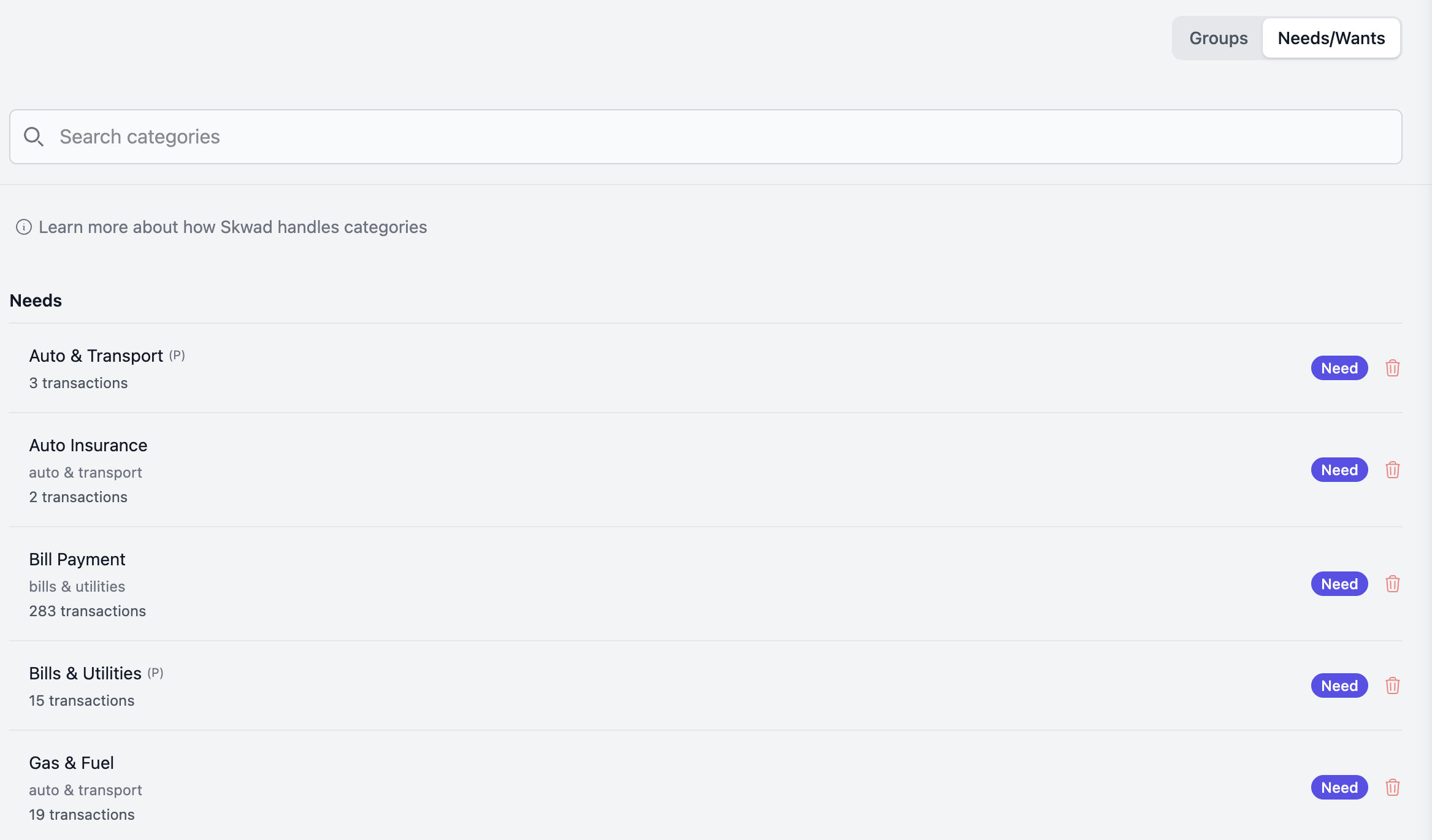
- Open Categories and switch to the Needs/Wants view.
- Find the category. Needs have a filled Need badge. Wants show it greyed out.
- Click (or tap) the badge to switch it.
Your score updates shortly after. The Edit Needs/Wants/Savings tile on the 50/30/20 detail page also opens this view.
Financial well-being uses the same classification to measure your essential spending.
Savings
Savings isn't a category. It's what's left of your income after needs and wants.
- Money you move into savings or investments with a transfer between your own accounts isn't spending, so it counts as savings.
- Retirement contributions taken from your paycheck, and any employer match, count once you add them to your income & savings profile.
- If you spend more than you earn in a month, your savings share is negative.
Improve your split
- Make sure your paychecks are categorized as income. 50/30/20 can't score without income.
- Categorize uncategorized spending, which counts as a want until you do.
- Check that your needs and wants are classified correctly.
- Trim wants first, then essentials where you can.
- Save by transfer, and add any paycheck contributions to your income & savings profile.
FAQ
Why are my wants so high?
Usually because of uncategorized spending, which counts as a want. Check Sharpen your score on the Sight page, or filter your transactions to uncategorized.
Do transfers between my own accounts count as spending?
No. Moving money into savings or investments counts as saving.
Does changing a category affect my budgets?
No. Needs and wants only affect your Sight score. Budgets and reports don't change.